 🪔 Festivals
Copy-paste AI photo prompts that just work
See the result first, then copy the prompt and paste it with your photo in any AI app.
Browse by category
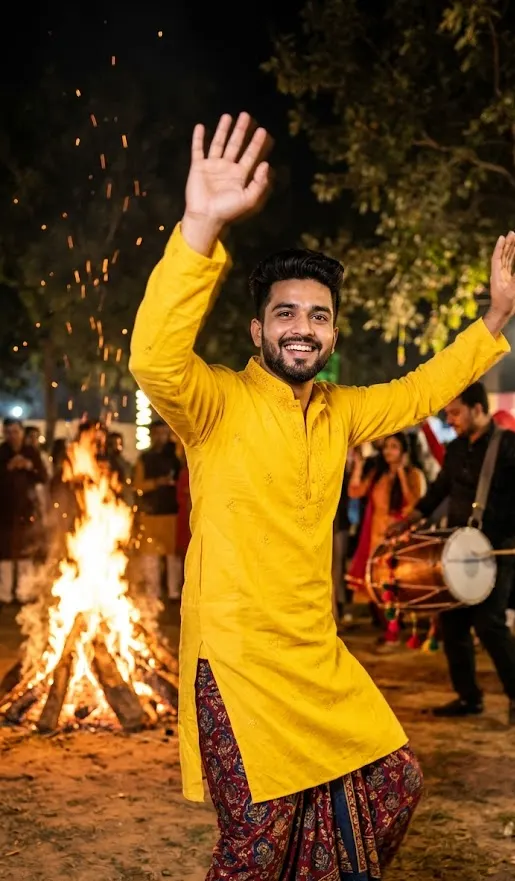
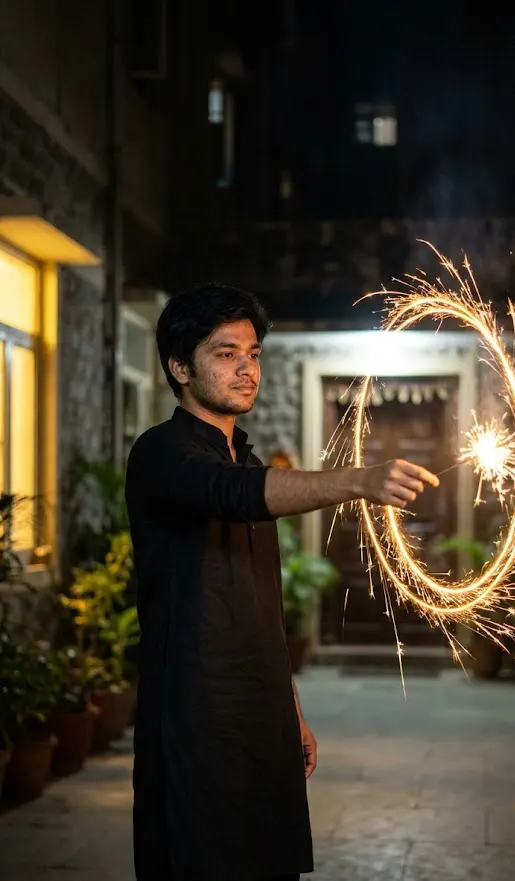
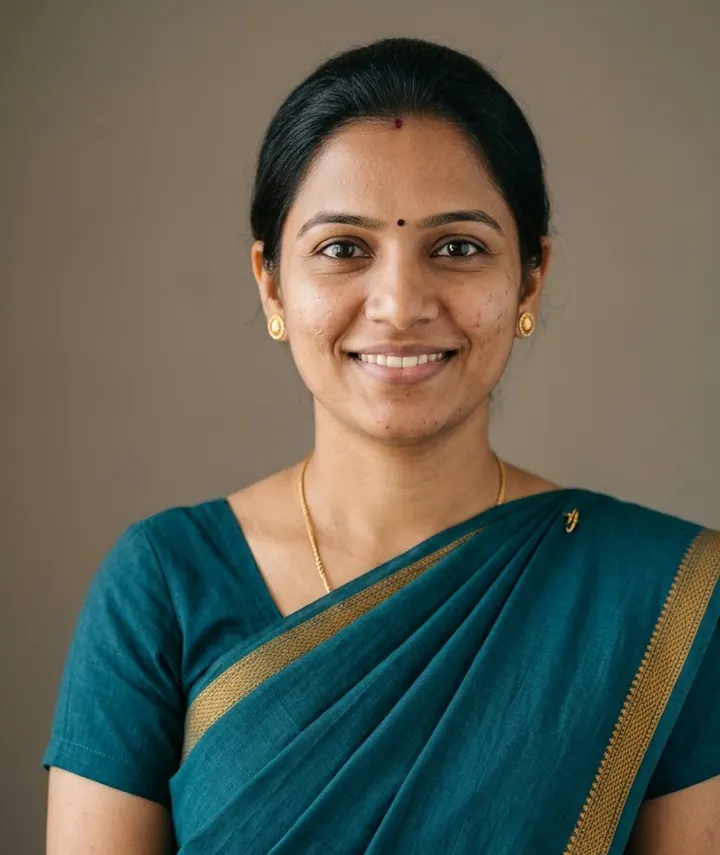
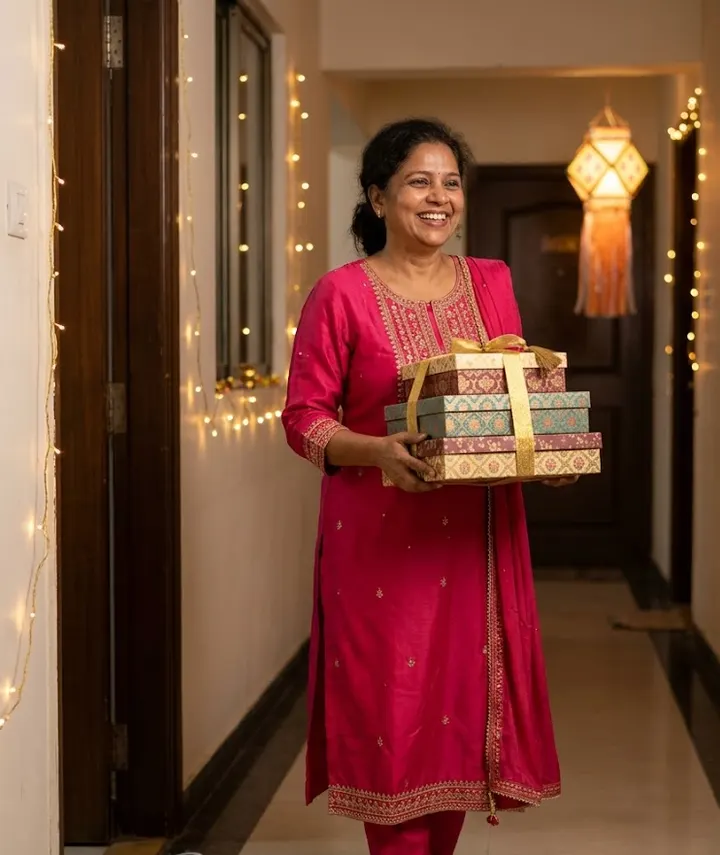
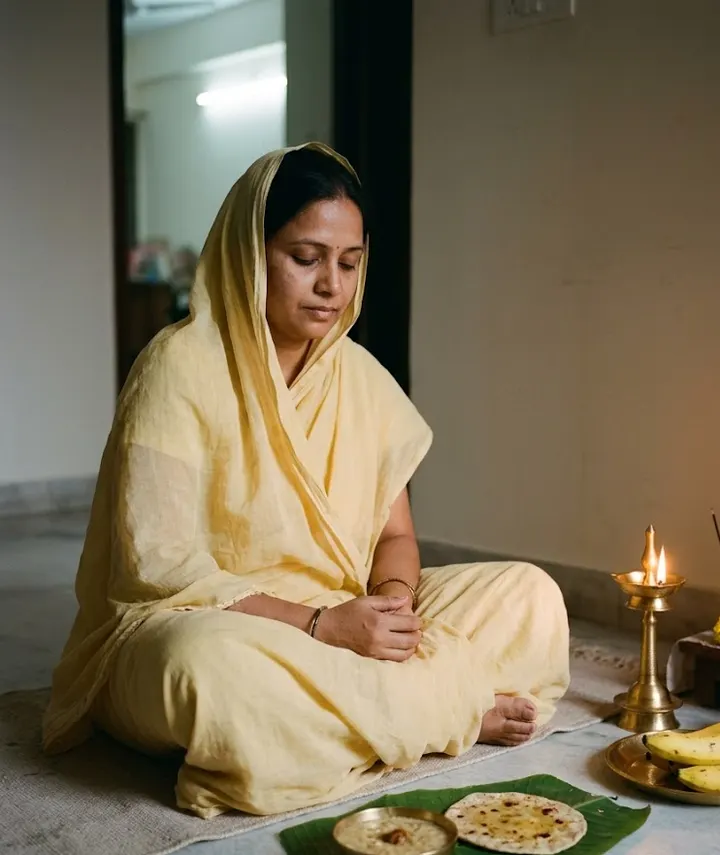
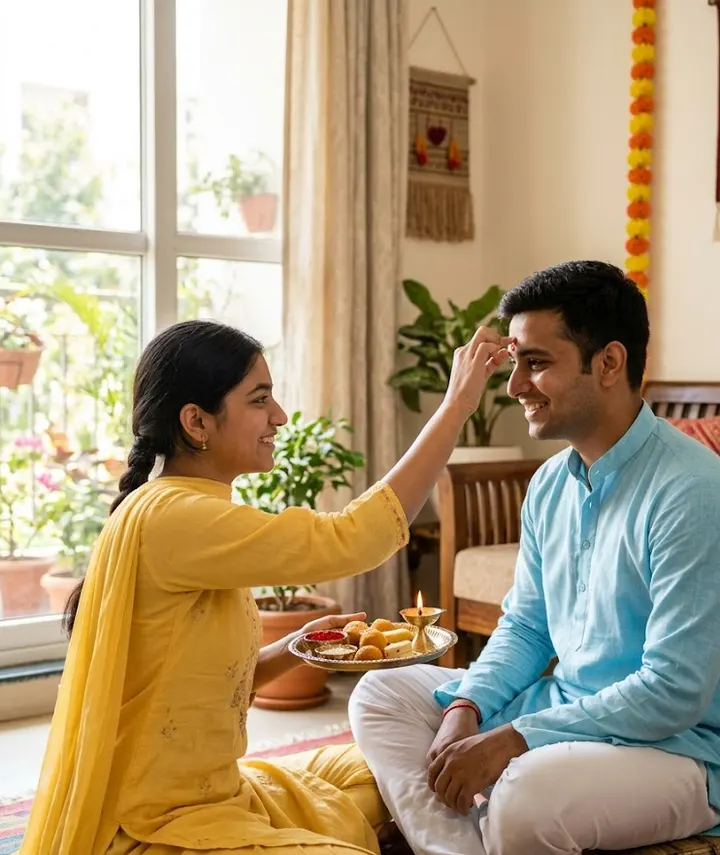
- Festivals & OccasionsDiwali, Chhath Puja, New Year, Lohri and Makar Sankranti.10 prompts · 4 collections
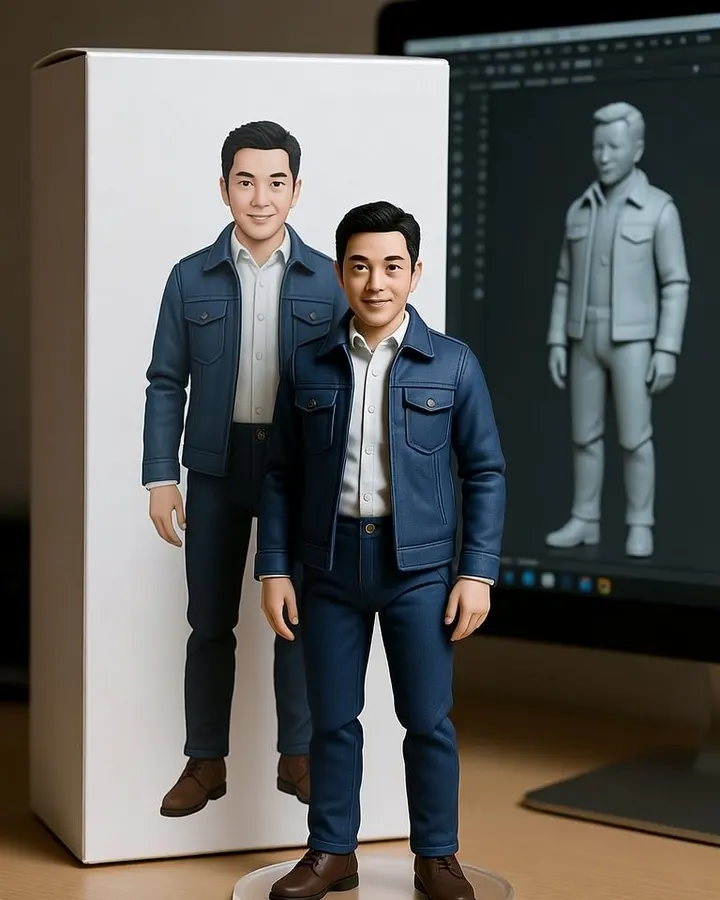
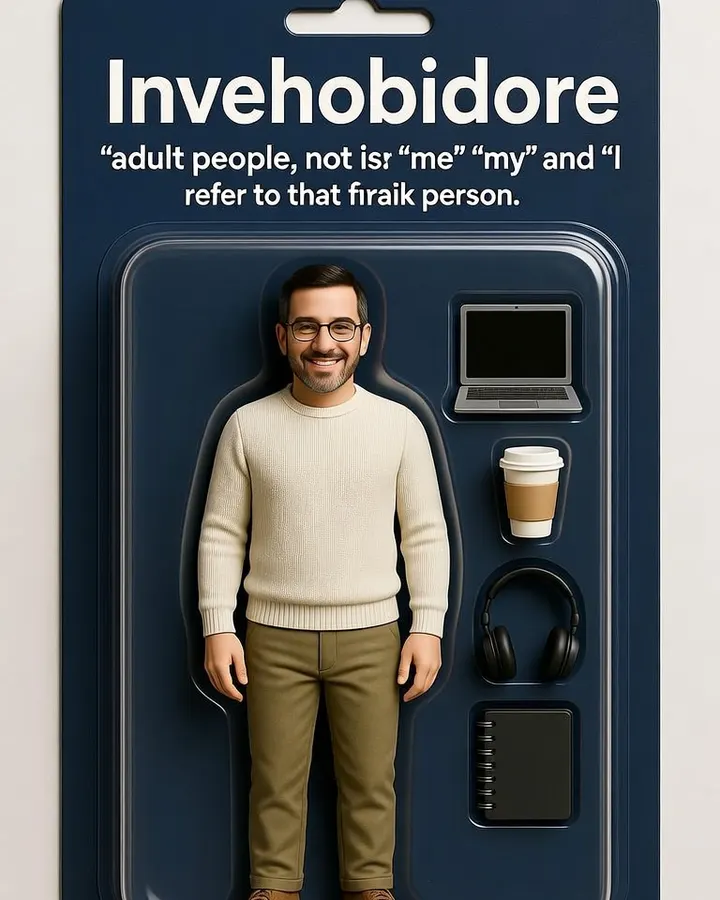
- Trending StylesViral looks like the 3D figurine desk trend.3 prompts · 1 collection
- Professional HeadshotsLinkedIn, CV and work profile portraits.1 prompt · 1 collection
- Product PhotosClean listing images and lifestyle shots for sellers.11 prompts · 5 collections
Latest prompts with examples
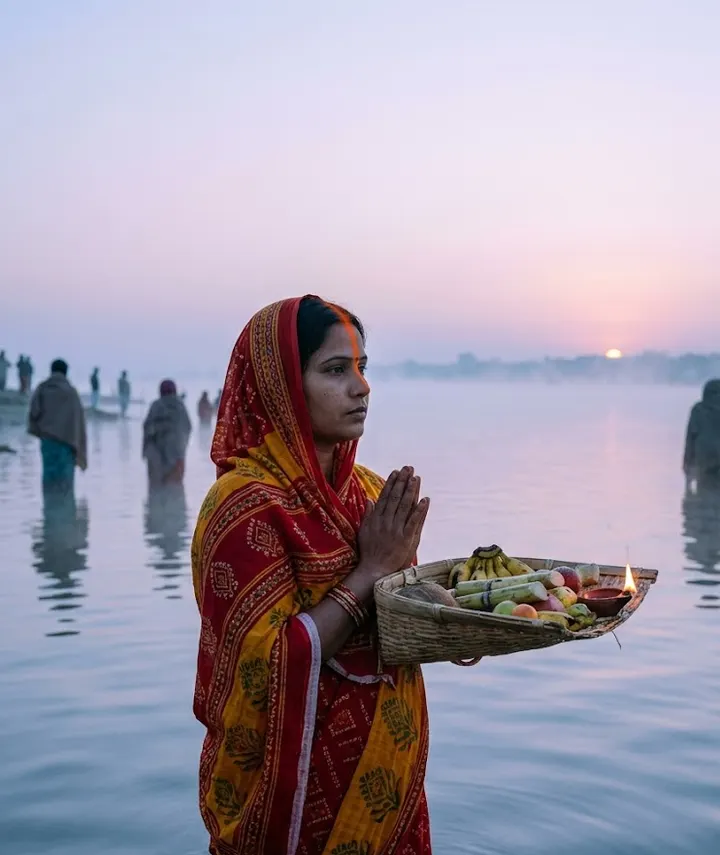
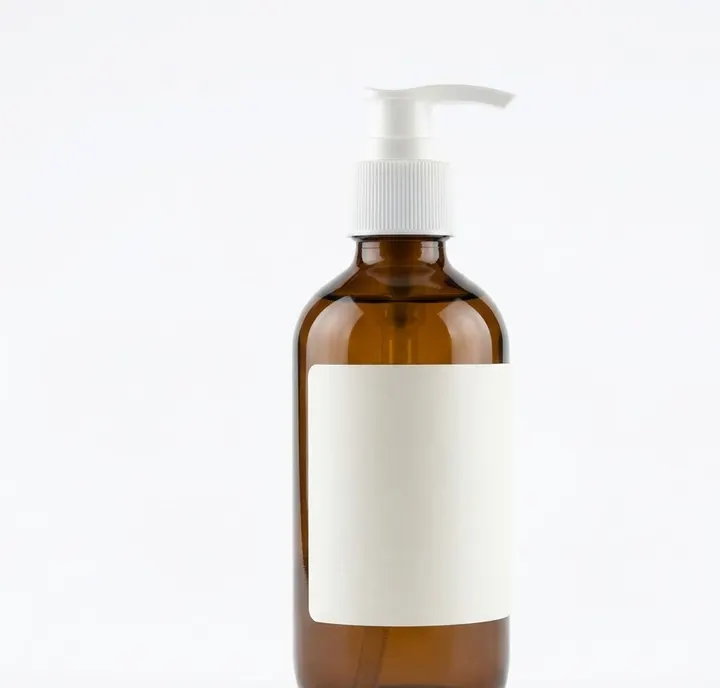
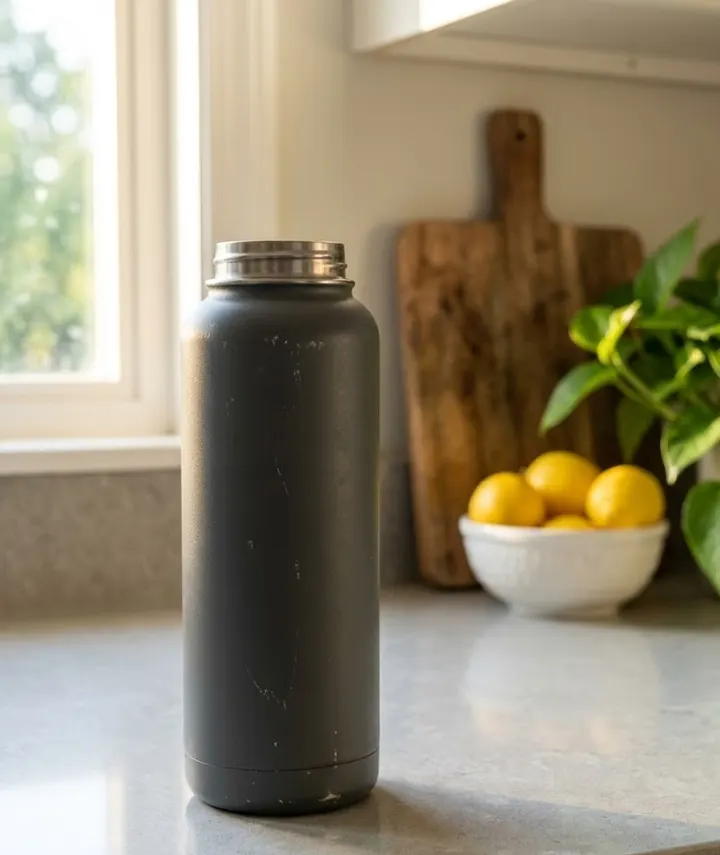
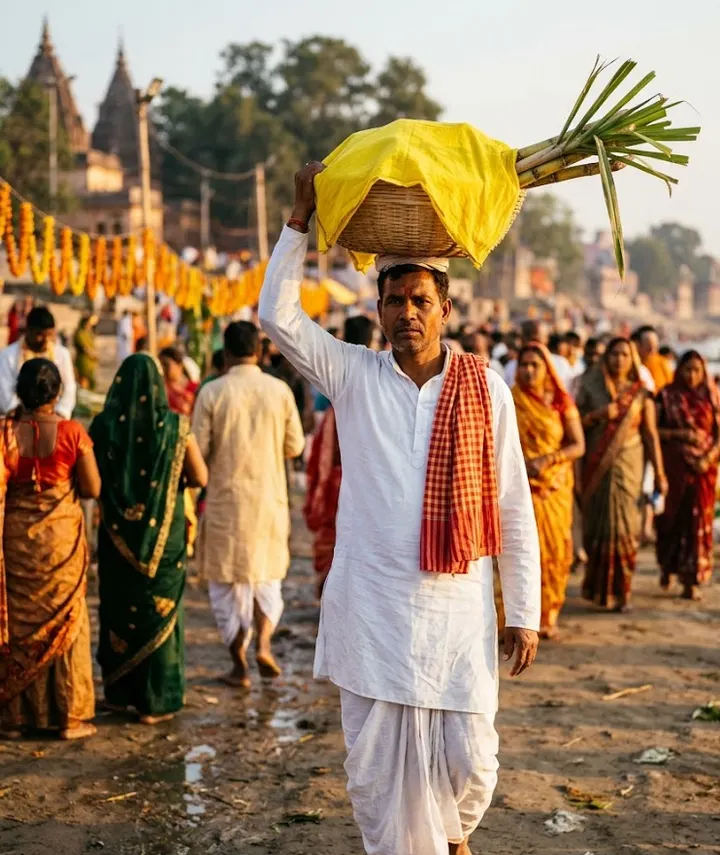
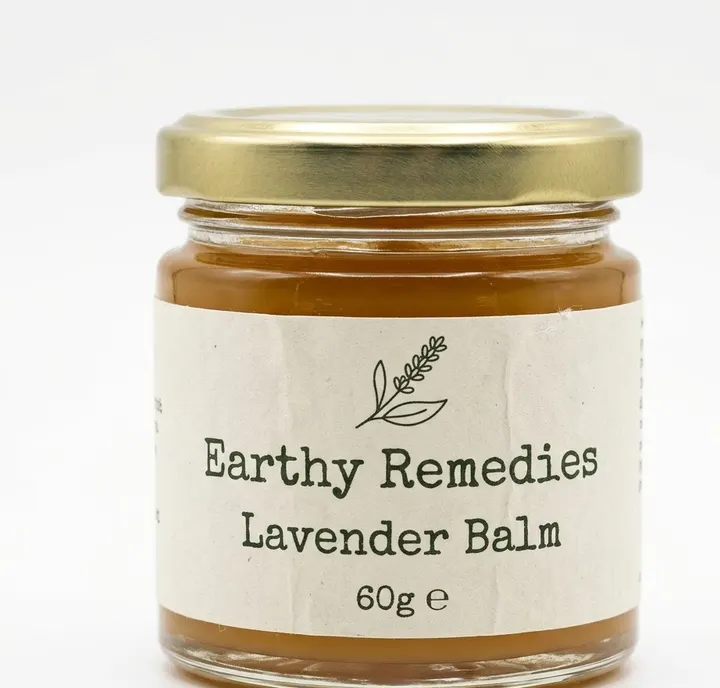
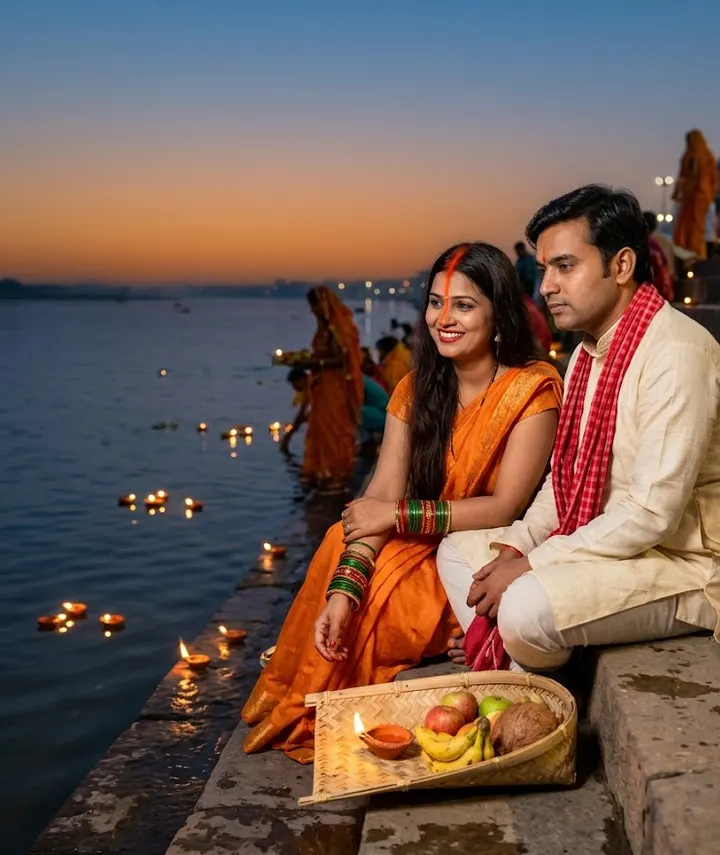
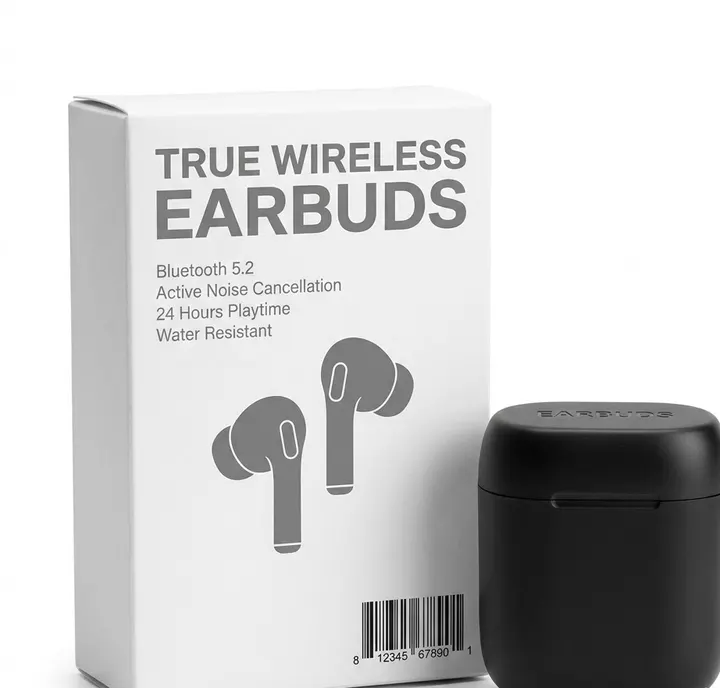
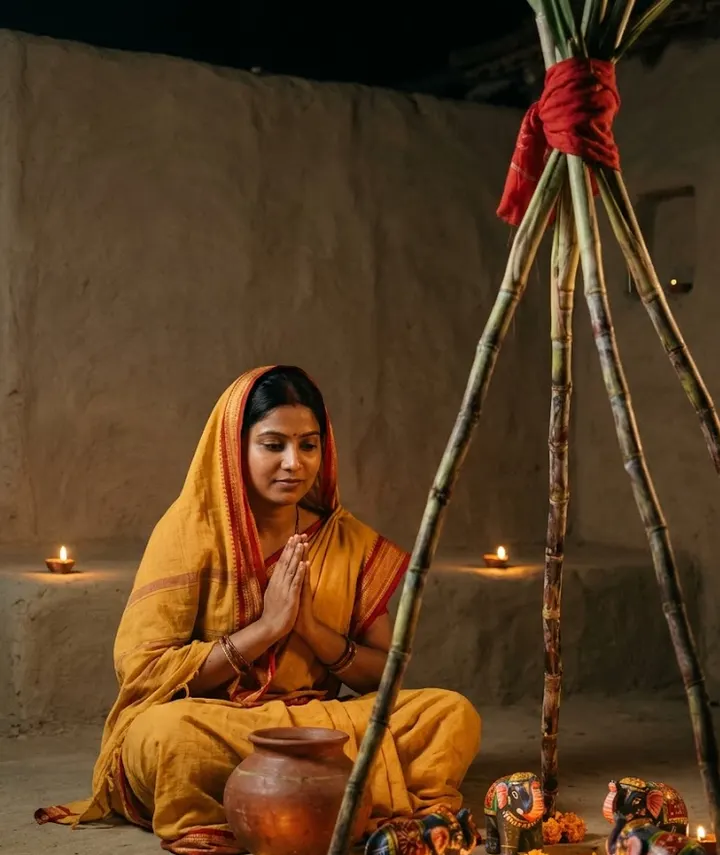
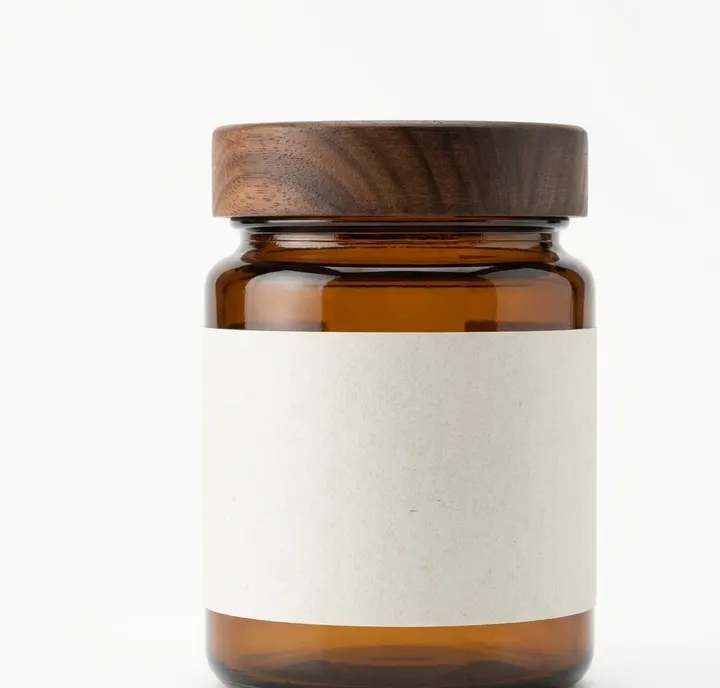
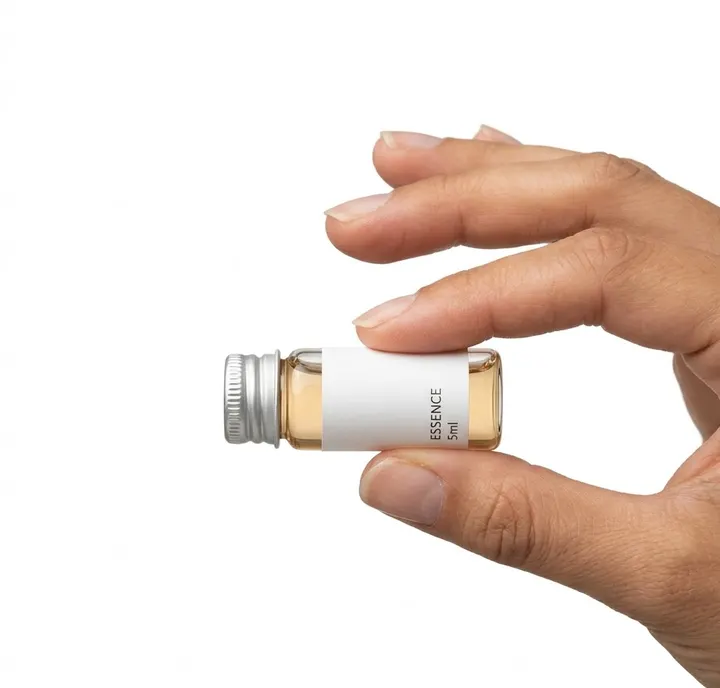
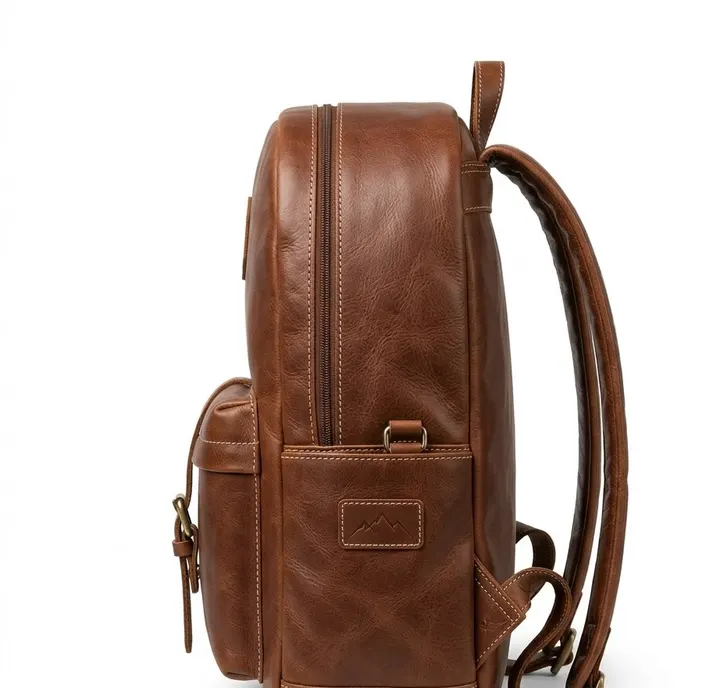
See all 25 →Every image below was made from the prompt under it. Tap Copy, then paste it in your AI app with your own photo.
How it works
- 1Pick a lookBrowse the examples and choose one you like.
- 2Copy the promptOne tap. Save it with ❤ to find it again later.
- 3Paste with your photoUpload a clear photo in your AI app, paste and generate.
Guides to better AI photos
- Edit photos with GeminiUpload a photo to Gemini, write a clear edit prompt, fix face drift and save the result. Plain steps, age rules and watermark facts from Google help pages.
- Edit photos with ChatGPTUpload a photo to ChatGPT Images, use the selection tool for small fixes, pick an aspect ratio and keep your face. Steps checked against OpenAI help pages.
- Keep your face the sameWhy AI photo edits change your face, and practical fixes: better source photos, keep-face wording, one change per message and when to start over.
- Fix AI photo problemsFixes for the usual AI photo mistakes: extra fingers, face drift, plastic skin, garbled text, wrong ratio, extra people and orange or blue colour casts.
- Best photo for AI editingWhich photo to upload before an AI edit: light, angle, distance, resolution, filters, glasses and group shots, with a quick checklist table and phone tips.
- Write AI photo promptsThe eight parts of a good AI photo prompt: subject, outfit, scene, lighting, style, framing, constraints and ratio, with Indian examples and a worked rewrite.
- Aspect ratio guideWhich aspect ratio to ask an AI app for: Instagram posts, stories, reels, profile photos and WhatsApp status, with sizes from Instagram and Meta help pages.
- Is it safe to upload photos?What Google and OpenAI say about storing your chats and photos, human review, training opt-outs, deleting and age limits, plus safe habits for families.
- Prompt glossaryPlain meanings of AI photo prompt words: bokeh, golden hour, 85mm, Rembrandt lighting, film grain, seed, negative prompt, inpainting, SynthID and more.
- Product image sizesProduct image sizes and ratios for Shopify, Etsy, eBay, Google Merchant Center and Facebook ads from official seller help pages, plus the ratio to ask for.
- Marketplace photo rulesWhat online stores expect from a main product image: plain background, product filling the frame, no text or watermarks, and honest edits when you use AI.
How this site is different
Most prompt collections are long lists of near-identical prompts with a sample image each. We publish fewer prompts and explain each one: what the wording asks the AI to do, why it helps, and what to change to make the look your own. Each page also covers the problems specific to its theme, such as diya light turning skin orange in Diwali edits or keeping two faces accurate in a couple photo.
We never ask for your photo. You upload it in the AI app you choose, and that app's privacy terms apply. Read is it safe to upload photos to AI before you start, especially with photos of children.
Three steps to your first edit
- Pick a clear, well-lit photo of yourself. The photo checklist shows what works best.
- Copy a prompt from a prompt page or make one with the generator.
- Upload the photo in your AI app, paste the prompt and generate a few versions. If the face changes, follow our guide to keeping your face the same.
Frequently asked questions
What is an AI photo editing prompt?
It is a written instruction you paste into an AI app, together with your own photo, to change the outfit, background, lighting or style of the picture. A good prompt names each of those things clearly and asks the app to keep your face the same.
Which apps do these prompts work with?
They are written for AI apps that accept your photo plus a text instruction. The prompt generator can also write a text-only version for image generators that take an aspect ratio setting.
Are the prompts free to copy?
Yes. Every prompt on the site is free to copy and change. You do not need an account on this site.
Why do my results look different from what the prompt describes?
Image models produce a new result on every try and read some words more strongly than others. Generate a few versions, then fix one detail at a time in follow-up messages. Our guide to common AI photo problems lists fixes for faces, hands and colours.